
Why Digital Safety Is a Solo Travel Priority
Physical safety gets most of the attention in solo travel guides, but digital vulnerabilities are just as real - and often easier for opportunists to exploit. Your phone holds your bookings, banking apps, passport photos, emergency contacts, and location history. Losing control of it, even briefly, can unravel a trip in ways that take weeks to fix.
This is especially true for solo travelers, who don't have a companion to share the load when something goes wrong. The good news: most digital risks are highly preventable with a few deliberate habits built before and during your trip. See our introduction to solo travel safety if you're starting from scratch.
Use a unique, strong password for every account and store them in a password manager.
Reusing passwords means one breach exposes every account. Password managers generate and store complex credentials so you don't have to remember them, removing the most common reason travelers reuse passwords.
Enable two-factor authentication (2FA) on email, banking, and booking accounts before departure.
Even if your password is compromised, 2FA blocks access without a second verification step. Most opportunistic attackers will move on rather than work around it.
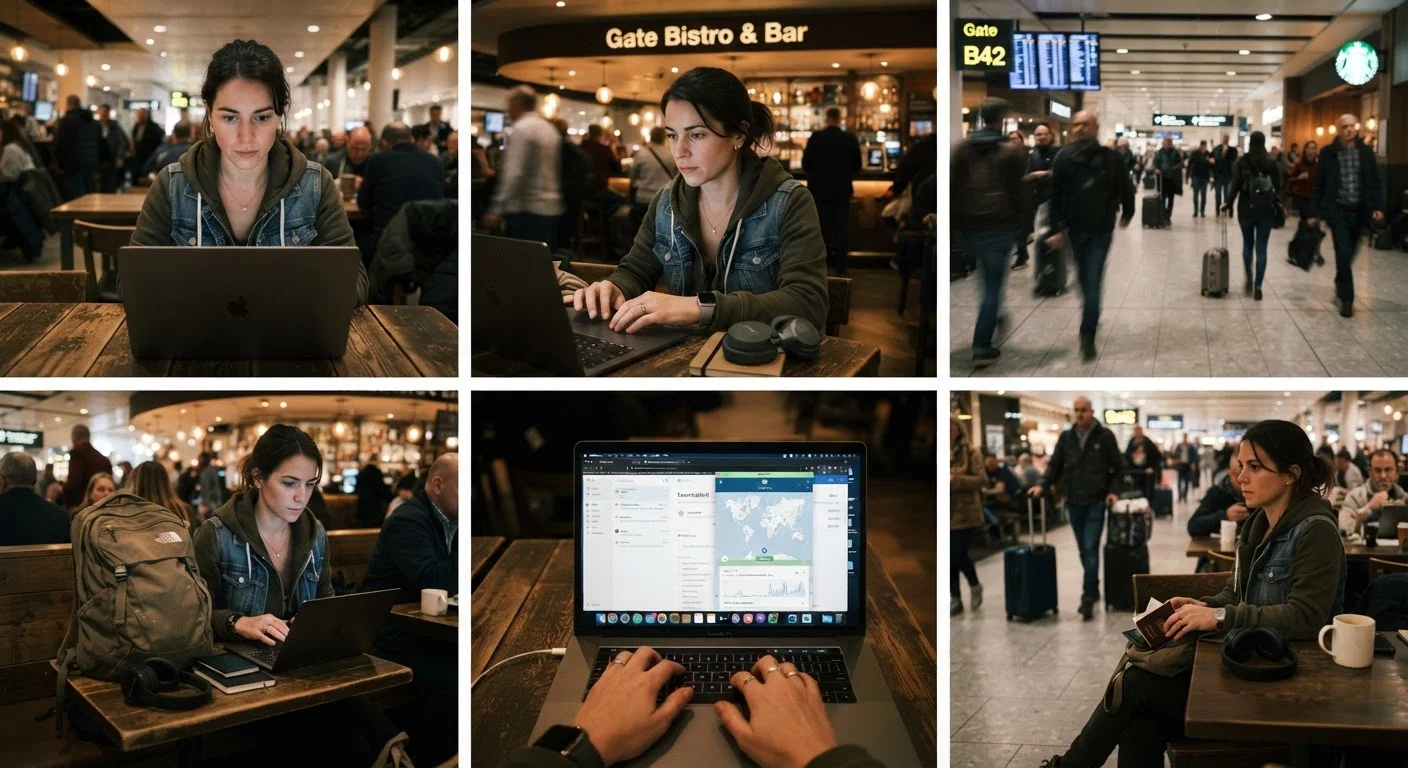
Always use a VPN on public Wi-Fi networks.
Public networks can be monitored or spoofed. A VPN encrypts your connection, preventing credential interception on hotel, cafe, or airport Wi-Fi.
Configure remote wipe and enable device encryption before leaving home.
A stolen, unencrypted phone hands a thief access to every account currently logged in. Remote wipe lets you erase that data before it's exploited.
Keep a separate, low-limit travel card and store your backup card in a different location.
Financial separation limits the damage from theft or card skimming. A daily limit caps what can be drained in a single incident.
Log out of sensitive accounts when you're done, especially on shared devices.
Hostel computers and shared tablets are frequently used by strangers. Sessions left open are a straightforward way for others to access your accounts.
Core Digital Safety Practices
The practices below aren't theoretical - they're what experienced solo travelers actually use. Each one addresses a specific, documented risk that comes up repeatedly on the road.
Prepare Your Devices Before You Leave
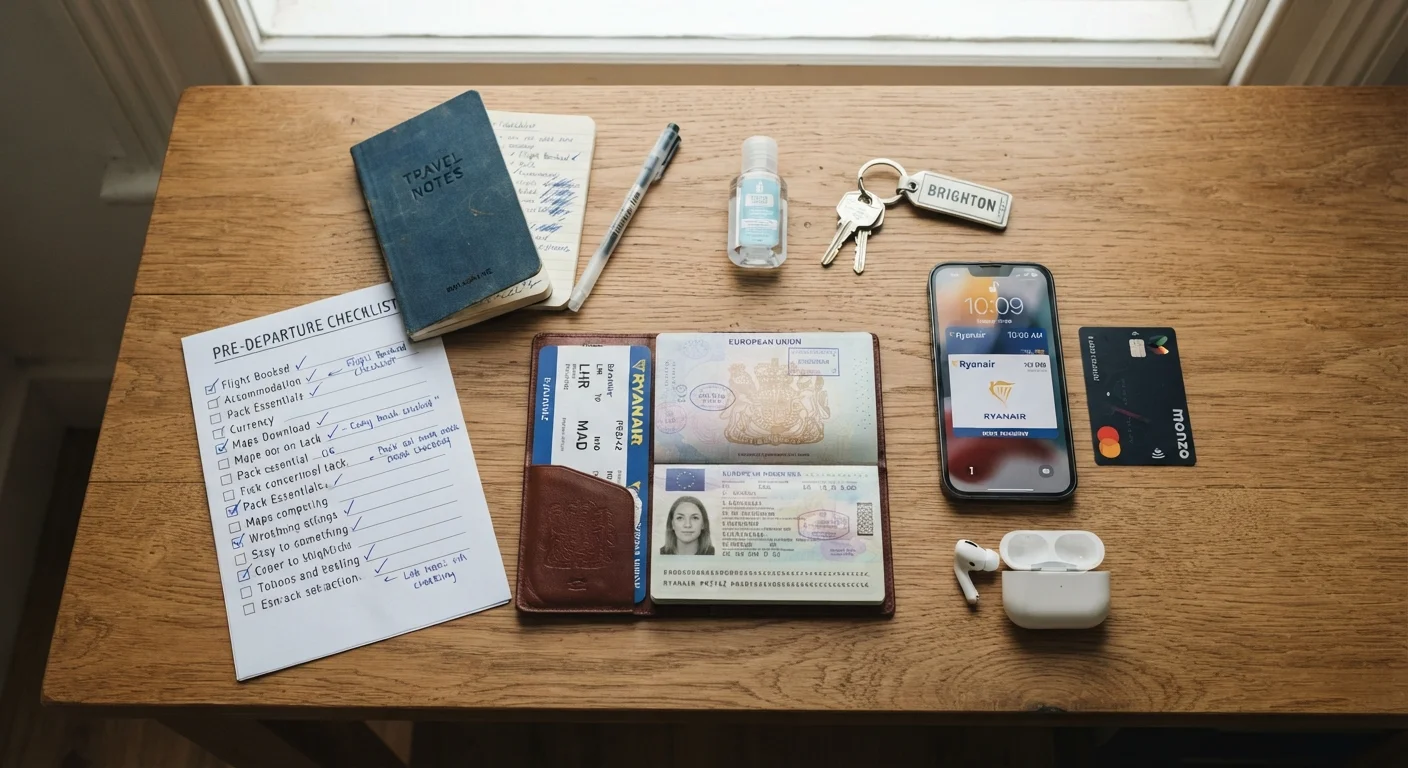
The most effective digital safety work happens at home, not at the airport gate. Use the pre-departure safety checklist to make sure your device setup is travel-ready before you go.
Enable full-disk encryption on your phone and laptop - this is built into modern iOS, Android, and macOS devices and takes under a minute to activate. Set a strong PIN (not a six-digit birthday) and configure your device to auto-lock after 30 seconds of inactivity. Enable remote wipe through your device's native tools (Find My on Apple, Find My Device on Android) so you can erase your data if the device is stolen.
Keep an offline copy of your most important documents and contacts. A printed page in your daypack or a note saved to an offline app means you're never fully dependent on a connected device. The information every solo traveler should record before leaving covers exactly what belongs on that list.
Verify Entry and Device Rules Before You Go
Some countries have specific laws about encryption software, VPN use, or device searches at the border. What's standard practice in one country may be restricted in another. Always check your government's official travel advisories and the destination country's entry requirements before departure - do not rely on this article or any single source as a definitive guide to local law.
Managing Financial Exposure While Traveling
Keeping all your money in one account is a single point of failure. Experienced solo travelers typically use a travel-specific debit card with a low daily limit alongside a backup card stored separately. This limits what a thief - digital or physical - can access in a single incident.
Enable transaction notifications on all cards so you see charges in real time. Review your statements every two or three days rather than waiting until you're home. If you notice something unfamiliar, contact your bank immediately - most fraud windows are time-sensitive.
Be cautious with card skimming at ATMs: use machines attached to bank branches when possible, cover the keypad when entering your PIN, and avoid standalone ATMs in low-traffic areas. These aren't dramatic precautions - they're standard practice in many parts of the world. For broader money-saving context, see the budget solo travel hub.
43%
Travelers who use public Wi-Fi for banking or payments
According to a survey by NortonLifeLock, nearly half of travelers connect to public networks for financial tasks, creating significant exposure.
80%
Data breaches involving weak or reused passwords
Verizon's Data Breach Investigations Report consistently identifies credential compromise as the leading cause of breaches globally.
Staying Secure on Public Networks
Assume every public Wi-Fi network - hotel, hostel, cafe, airport - is potentially monitored. Use a reputable VPN (virtual private network) whenever you connect to public networks. A VPN encrypts your traffic between your device and the internet, making it significantly harder for anyone on the same network to intercept your data.
Avoid logging into banking, email, or any account with sensitive data over public Wi-Fi without a VPN active. If you don't have a VPN, use your phone's mobile data for anything sensitive - it's a meaningfully safer option for brief tasks. Understanding what you share online matters too; the guide on managing your personal information as a solo traveler goes deeper on digital privacy habits specific to solo travel contexts.
“Security is not a product, but a process. The habits you build before a problem occurs are the ones that actually protect you.”
— Bruce Schneier, Security technologist and author of multiple books on cybersecurity
Finally, keep your communication system reliable. A simple check-in routine with someone back home - combined with secure messaging habits - adds a meaningful safety layer. See communication strategies for solo traveler accountability for practical setup options.