
Why Terminal Layout Matters More Than Layover Length
A 90-minute layover can be comfortable or catastrophic depending entirely on how that airport is laid out. Two flights booked on the same itinerary might depart from terminals at opposite ends of a sprawling hub - terminals connected only by a train that runs every 10 minutes, or worse, by a shuttle bus that requires you to exit the secure zone and re-clear security from scratch.
This isn't a rare edge case. Major US hubs like Dallas/Fort Worth, Chicago O'Hare, and New York JFK all have terminals that are either physically separate buildings or require significant travel time between them. International hubs in London, Amsterdam, and Dubai present similar challenges at larger scale.
The fix isn't to avoid connecting flights - layovers can cut your fare significantly, as outlined in our guide to when a connecting flight is worth the savings. The fix is knowing the layout in advance and factoring real transfer time into your booking decision. See also our deeper look at why layover length matters more than you think.
What you will need
How to Check the Layout and Plan Your Transfer
Follow these steps before confirming any itinerary with a connection.
Identify your arrival and departure terminals
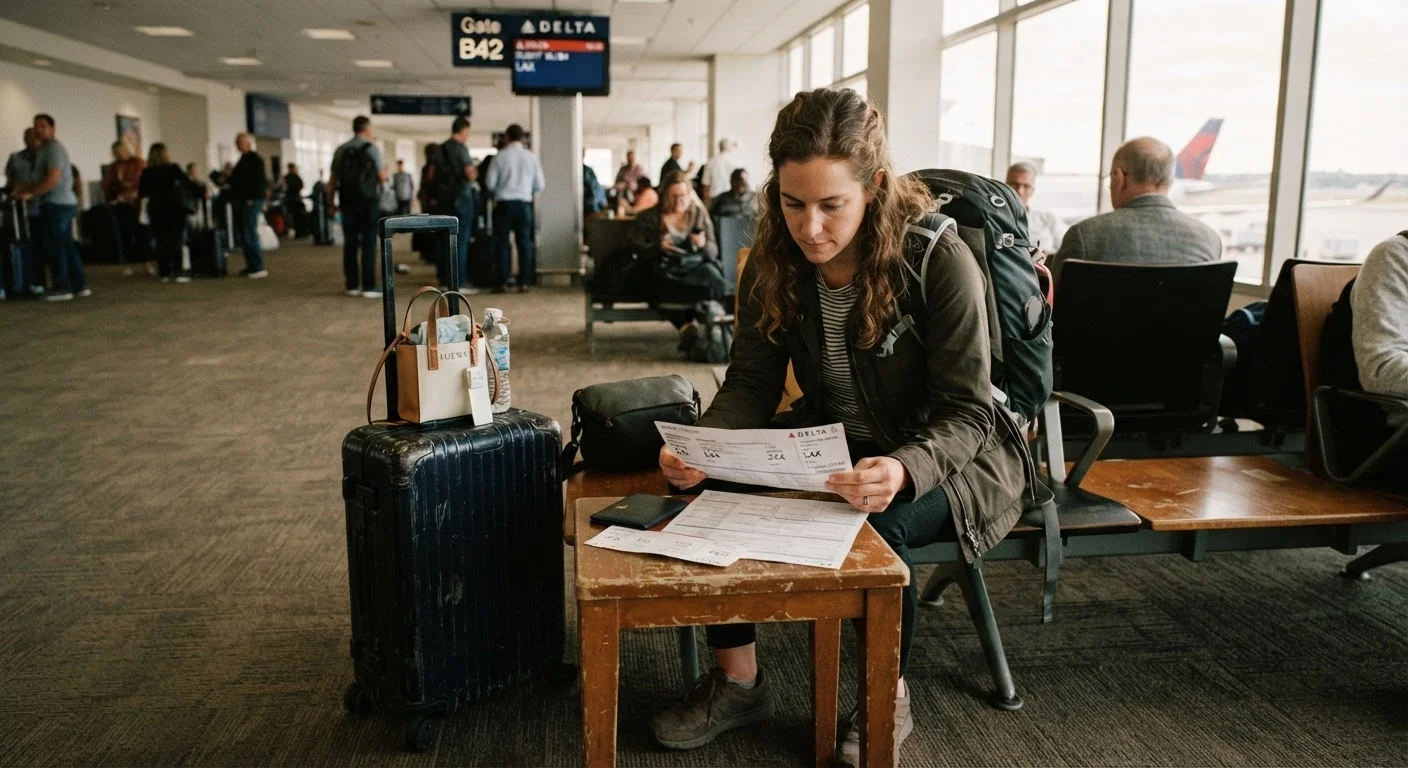
Pull up your itinerary and note the specific terminal - not just the airport code - for both your arriving and departing flight. Terminal assignments are listed in your booking confirmation and on the airline's website. If you see only an airport code with no terminal noted, call the airline or check the airport's official site directly; terminal information is typically published well before departure.
Look up the airport's official terminal map
Go to the connecting airport's official website and locate the terminal map or 'connections' page. You're looking for two things: whether the terminals are connected airside (without leaving security) or landside (requiring you to exit and re-enter), and what transport method links them - walkway, people mover, train, or shuttle bus.
Most major airports publish estimated transfer times between terminals. Use those figures as your baseline.
Determine whether you must re-clear security
If the terminals are connected airside, you stay within the secure zone - a significant time advantage. If you must exit to a landside area, budget an additional 20-45 minutes for security queues, more during peak hours or at congested hubs. International arrivals connecting to domestic flights almost always require customs clearance and a full security re-check regardless of terminal layout.
Calculate your realistic transfer window
Take the airport's published transfer time and add a buffer: 15 minutes minimum for straightforward airside connections, 30-45 minutes if security re-clearance is involved, and 60 minutes if you have checked bags that require re-checking. Compare that total against your actual layover window - scheduled arrival to scheduled departure. If the numbers are uncomfortably close, the connection carries real risk.
Locate the transfer transport on arrival
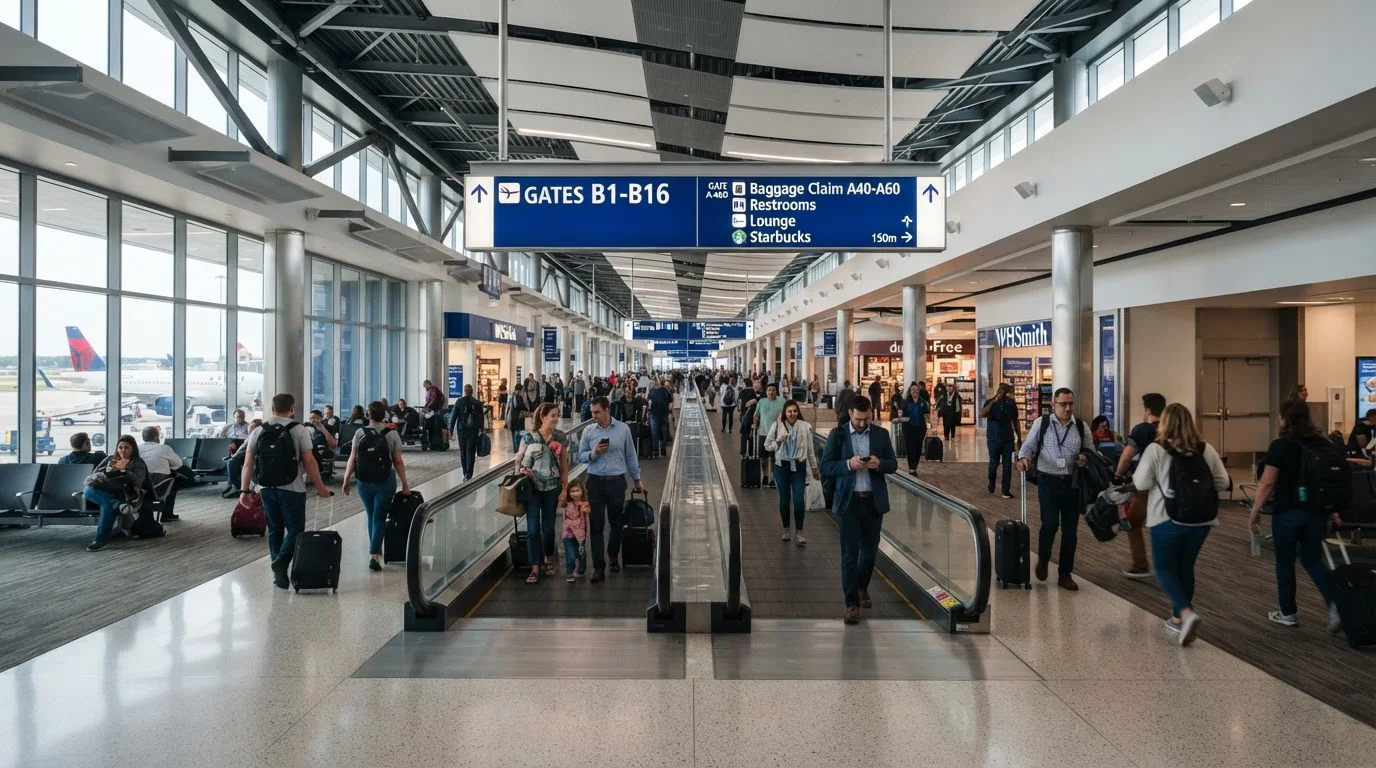
Before your trip, note exactly where the inter-terminal train, shuttle, or walkway departs from. At most airports this is signposted from the arrivals gate area, but signage quality varies. Knowing the pick-up point in advance means you move with purpose rather than hunting for signs while the clock runs. At the airport, follow overhead directional signs for 'Connections,' 'All Gates,' or the specific terminal letter - and move toward the exit end of the terminal, not the arrivals hall, unless re-clearance is required.
Common Pitfalls and What to Do If You're Running Late
Even well-planned connections go sideways. Inbound delays are the most common culprit, shrinking a comfortable buffer to almost nothing. If your inbound flight is delayed and your connection looks at risk, notify a flight attendant before landing - many crews can alert gate agents ahead of time. At the gate, ask immediately whether the onward flight is aware of delayed passengers.
Separate Tickets Offer No Rebooking Protection
If you built your itinerary by combining two independently purchased tickets - even on the same airline - the carrier has no obligation to rebook you if a late inbound flight causes you to miss the second. You would need to purchase a new ticket at the prevailing fare. This risk multiplies when terminals are far apart and transfer time is tight.
If you do miss a connection that was booked on a single itinerary, the operating airline is generally responsible for rebooking you at no additional cost. That protection disappears if you booked two separate tickets - a key reason to think carefully before mixing carriers to save a few dollars. And while you're navigating the terminal, don't overlook food costs that can add up quickly; our piece on eating at airports without paying airport prices covers your options. If you have checked bags, also review what happens to your checked bag when flights connect - a re-check requirement mid-connection can add 20 minutes you hadn't planned for.
Screenshot the Terminal Map Before You Fly
Airport Wi-Fi can be slow or spotty, and data roaming abroad is unpredictable. Save a screenshot of the terminal map and transfer instructions to your phone's camera roll before departure. A quick offline reference is far more reliable than hoping you can load a webpage at a sprint.